
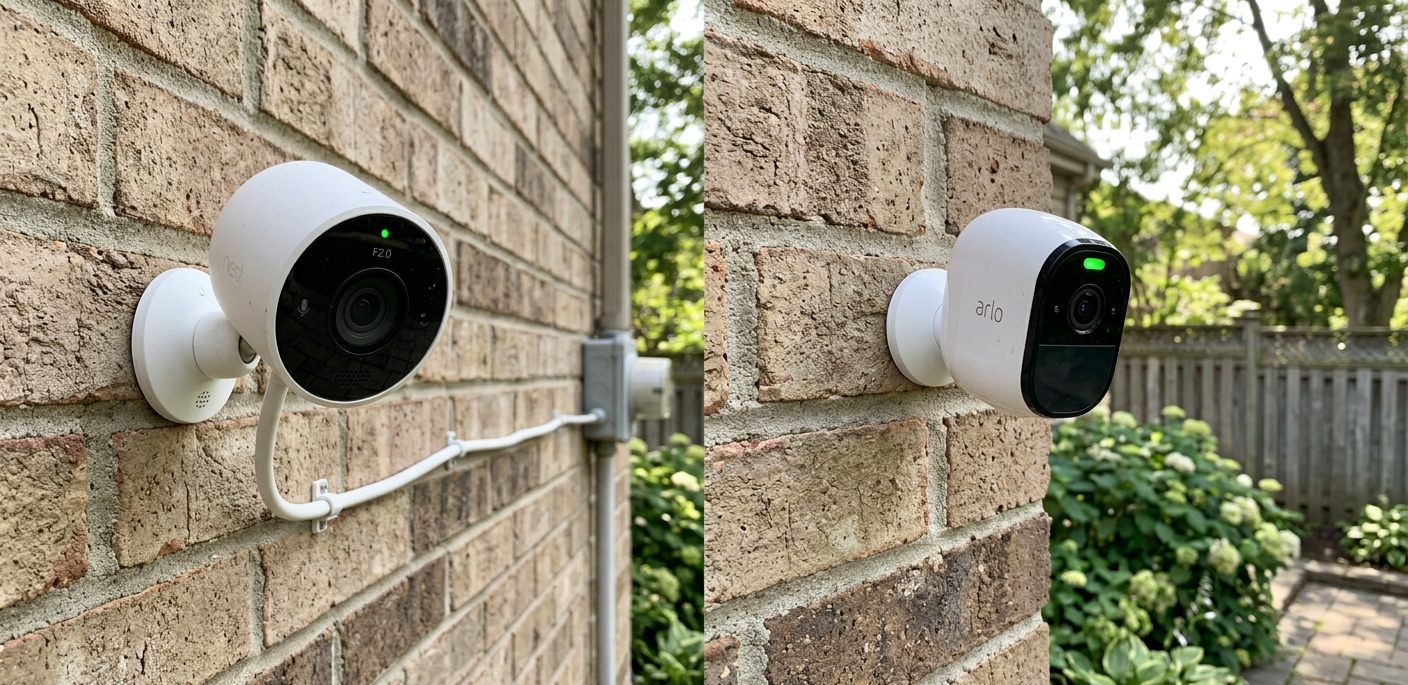
The most common question I get from people building their first home security setup: “Should I go with wired or wireless cameras?”The answer most websites give is unhelpful “it depends on your needs.” So let me give you the actual answer, the trade-offs nobody tells you about, and the seven specific factors that should drive your decision.
(This article was originally written in 2019 and is fully updated for 2026 product realities, including battery-camera improvements and PoE adoption.)
The short answer
Wired cameras are the right choice if: you own your home, you can run cables (or are willing to), you want maximum reliability, and you’re protecting against long-term threats.
Wireless cameras are the right choice if: you rent, you need fast installation, you want to monitor multiple locations, or you need cameras in places where wiring is impossible or impractical.
Most real homes use both and that’s not a cop-out it’s how layered security actually works. Now let me explain why.
Wired security cameras — the deep dive
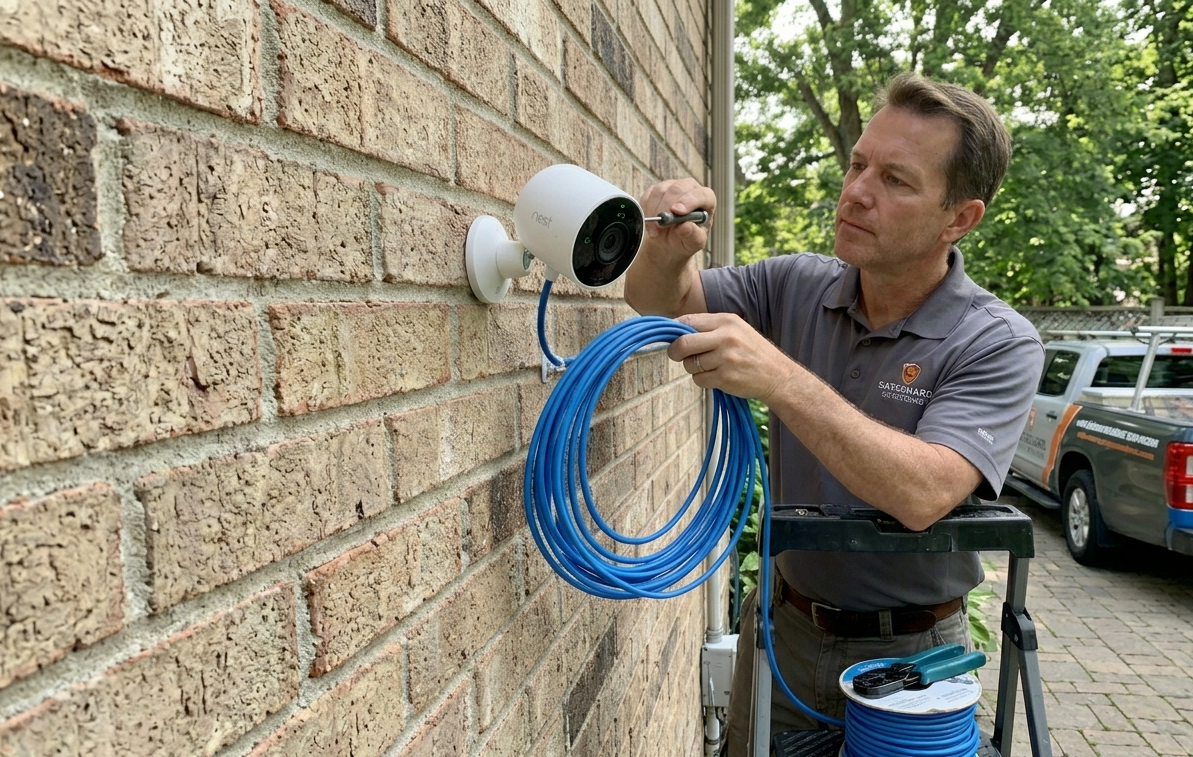
Wired cameras run either traditional power + video cable to a DVR (older systems) or PoE (Power over Ethernet) where a single network cable carries both power and data to an NVR (modern systems).
Pros of wired cameras
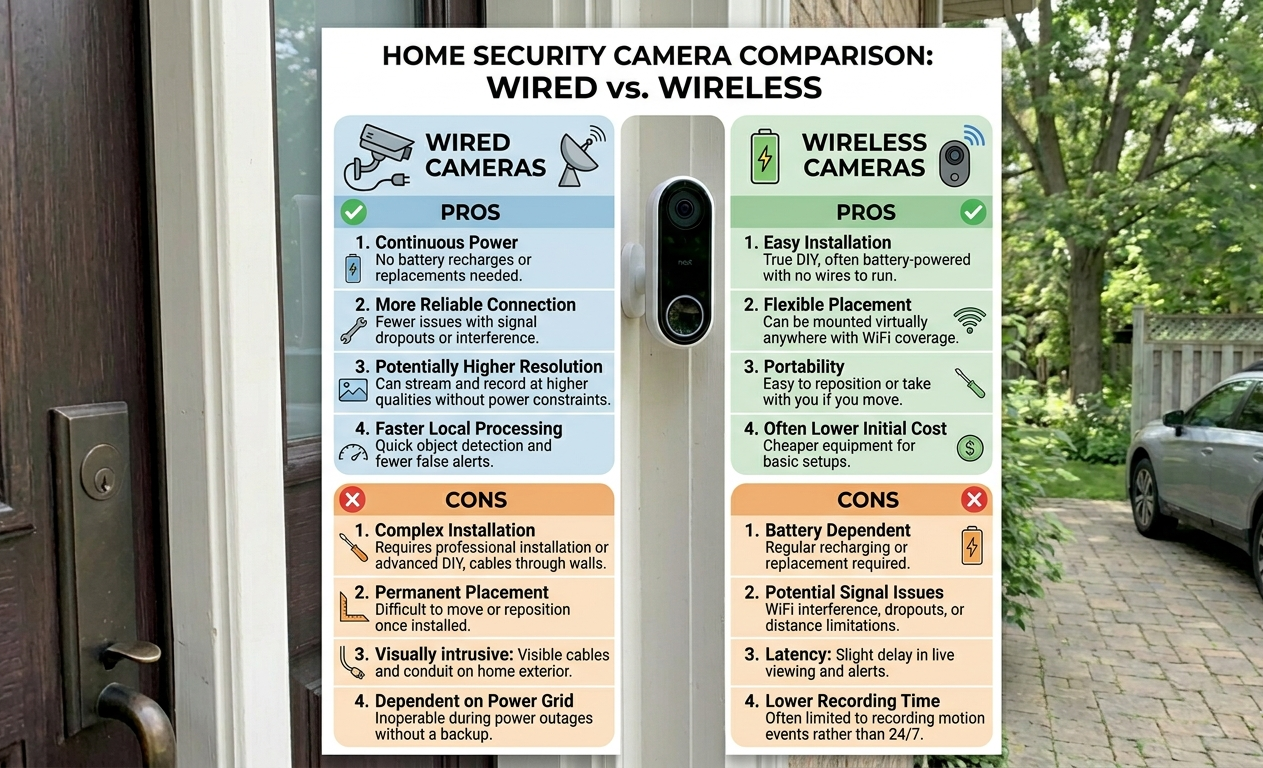
Reliability– This is the killer feature! Wired cameras don’t lose connection because your WiFi is congested, don’t drain batteries, don’t drop offline when the cloud service has an outage.
Continuous recording– Most wired systems record 24/7 to a local storage DVR. Wireless systems mostly record only when triggered by motion, which means you miss the 30 seconds before a triggering event often the most useful 30 seconds.
Higher video quality– Wired bandwidth supports 4K, 8MP, and higher resolutions without compression artifacts. Most wireless cameras max out at 2K because of battery and bandwidth constraints.
Better night vision- Wired cameras can power IR illuminators continuously without battery drain, giving you usable footage in true darkness.
No subscription required– Most wired systems use local storage and when you buy the gear once, you own it.
Tamper resistance– A wireless camera can be defeated by jamming WiFi or physically blocking signal. Wired cameras have to be physically destroyed or unplugged.
Cons of wired cameras
Installation is real work– Running cables through walls, attics, and exterior soffits takes time and skill. Professional installation runs $200–500 per camera.
You need to own the home (usually)- Most landlords won’t let you drill through their walls.
Less flexible– Once installed, cameras are where they are and moving them is a project.
Higher upfront cost– A 4-camera PoE system with NVR runs $400–800 for entry-level, $1,200–2,500 for high-quality.
→ For specific wired camera recommendations, see our home security cameras category.
Wireless security cameras — the deep dive
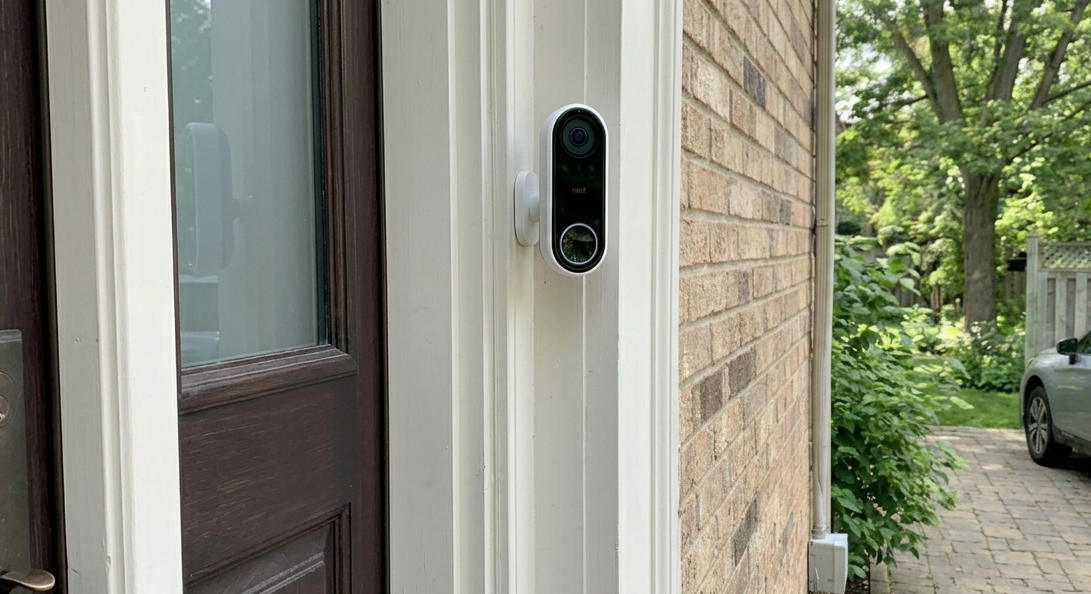
“Wireless” is a confusing term and there are actually two types:
- WiFi cameras with wired power — plugged into an outlet, transmit over WiFi
- Fully wireless cameras — battery-powered, recharged every 2–6 months, transmit over WiFi
The truly portable ones are type 2. They’re what most people mean by “wireless.”
Pros of wireless cameras
Install in minutes– A wireless camera can go up in 10 minutes. No drilling, no cabling.
Portable– Renters can take them when they move. You can reposition based on threat patterns.
Cover impossible spots- Detached garages, sheds, driveways with no nearby power. Wireless makes these possible.
Lower upfront cost– A 4-camera Ring Stick Up Cam or Arlo Pro setup runs $300–600.
Cloud storage = remote access- Footage is accessible from anywhere without setting up your own VPN.
Easier for non-technical users– App-based setup vs. configuring an NVR.
Cons of wireless cameras
Battery anxiety– A camera with a dead battery is no camera at all. Most need recharging every 2–6 months — more often in cold weather or with heavy motion activity.
WiFi dependency- Your WiFi goes down, your cameras go down. Many wireless cameras also stop working if the manufacturer’s cloud service has an outage.
Subscription pressure- Most wireless systems gate the actually-useful features (extended cloud storage, person detection, package detection) behind monthly subscriptions of $3–15 per month.
Motion-only recording– You miss what happened before motion triggered. Some newer cameras (Arlo Pro 5, Ring Stick Up Cam Pro) offer pre-roll, but it’s limited.
Lower video quality– Battery and bandwidth constraints limit resolution.
Tamper vulnerability- A determined intruder can disable WiFi or block signal.
The 7 factors that should drive your decision
Skip the generic advice and look at these seven specific factors for your situation:
1. Do you own or rent?
If you rent → lean wireless– Drilling through your landlord’s walls is a problem; portable cameras you can take with you aren’t.
2. How long do you plan to live there?
If less than 3 years → lean wireless– More than 5 → wired pays off.
3. What’s your WiFi like?
If it is slow, congested, or unreliable WiFi → lean wired– Strong, reliable mesh network → either works.
4. How many cameras do you need?
If you need 1–4 cameras → either works– 5+ cameras → wired (NVR) usually wins on cost and reliability.
5. What’s your tolerance for maintenance?
Set-and-forget person → wired. Don’t mind recharging batteries every few months → wireless is fine.
6. What’s your worst-case scenario?
Worried about determined intruders cutting power or jamming WiFi? → wired with cellular-backed alarm system– Worried about porch pirates and dog walkers checking doors? → wireless is plenty.
7. What’s your monthly budget tolerance?
Hate recurring subscriptions? → wired– Okay with $5–15/month? → wireless cloud storage is convenient.
The hybrid setup most homes should actually use
Here’s what I run in my own home and recommend to most people:
- Wired PoE cameras on the perimeter (front door, back door, driveway, side yard) these are the cameras that matter most.
- Wireless cameras for flexible positions — the detached garage, the patio when we’re entertaining, a temporary placement when traveling.
- One wireless camera kept on standby to redeploy if a new threat pattern emerges.
This setup gives you wired reliability where it matters most and wireless flexibility where you need it.
What I’d buy if I were starting today
The market has changed a lot since 2019. As of 2026, the best wired entry point is a 4–8 channel PoE NVR system. The best wireless entry point for most homes is the Ring or Arlo ecosystem — both have improved substantially in the last 3 years on battery life and pre-roll recording.
→ For specific brand recommendations and current model reviews, see our home security cameras category and the camera section of my layered defense guide.
What to do next
- Identify your high-value camera positions first — front door, back door, driveway. These are non-negotiable.
- Decide wired or wireless for each position using the 7 factors above. Different positions can have different answers.
- Buy one camera, install it, and live with it for two weeks before buying more. You’ll learn what you actually need.
Related reading:
What Does It Mean to Defend Against Intruders? — Where cameras fit in layered defense
What Consists of an Alarm System? — How cameras integrate into your alarm